Comparing Multi-Model AI Chat Apps for iOS and iPadOS Productivity


As the landscape of generative AI evolves, mobile users are increasingly looking for unified interfaces that provide access to multiple intelligence engines. Rather than toggling between individual provider apps, users can now leverage aggregator applications on iOS and iPadOS to streamline their research, writing, and creative tasks. This editorial examines five distinct AI-powered assistants to help you determine which platform best aligns with your specific professional or personal requirements.
Unified Access to Diverse AI Architectures
The primary advantage of using aggregator apps like Chat AI: Ask Agent Anything is the ability to switch between diverse architectures such as Claude Opus 5, Gemini 3.1 Pro, and various GPT iterations without leaving the application. This is particularly useful for users who require specific model strengths for different tasks, such as coding, creative writing, or data analysis. By centralizing these tools, you reduce the friction of managing multiple subscriptions and interfaces, allowing for a more cohesive mobile workflow.
Specialized Model Integration and Reasoning
For users prioritizing advanced reasoning, ChatFast offers a distinct approach by highlighting its integration of GPT-5.2, which emphasizes enhanced reasoning capabilities and a 256K context window. This makes it a strong candidate for complex professional tasks that demand long-form coherence. When comparing this to AI Chatbot & Design Assistant, which incorporates the GPT-5.6 family alongside Nano Banana and DeepSeek, it becomes clear that the choice depends on whether you value the latest model version or a broader variety of experimental and specialized AI technologies.
Streamlining Professional and Creative Workflows
Applications like ChatOn focus on the all-in-one toolbox concept, catering to bloggers and business leaders who need to draft emails, generate images, and brainstorm ideas within a single environment. This contrasts with AI Chatbot – Ask AI Anything, which maintains a more focused approach by leveraging the official OpenAI ChatGPT API. If your workflow is heavily reliant on the OpenAI ecosystem, the latter provides a direct and highly contextual experience, whereas ChatOn is designed for those who need a broader utility suite for diverse content creation.
Evaluating Compatibility and User Needs
When selecting an app, consider the specific model requirements for your tasks. If you need the latest iterations like GPT-6 or specific Gemini versions, Chat AI: Ask Agent Anything provides a comprehensive list of high-end models. Conversely, if you prefer a streamlined interface that focuses on specific model performance, such as the reasoning-heavy GPT-5.2 found in ChatFast, your selection should prioritize that specific model's availability. Always check the app's current model list, as these change frequently to reflect the latest industry releases.
Methodology for Selecting Your AI Assistant
Our selection method involves analyzing the core model support, the breadth of features like image generation, and the stated focus of each application. We categorize these tools based on whether they prioritize model variety, such as Chat AI, or specialized performance, such as ChatFast and AI Chatbot. By assessing your primary use case—whether it is deep research, rapid content generation, or professional drafting—you can identify which of these iOS and iPadOS tools offers the most efficient integration for your daily digital activities.
Tools compared
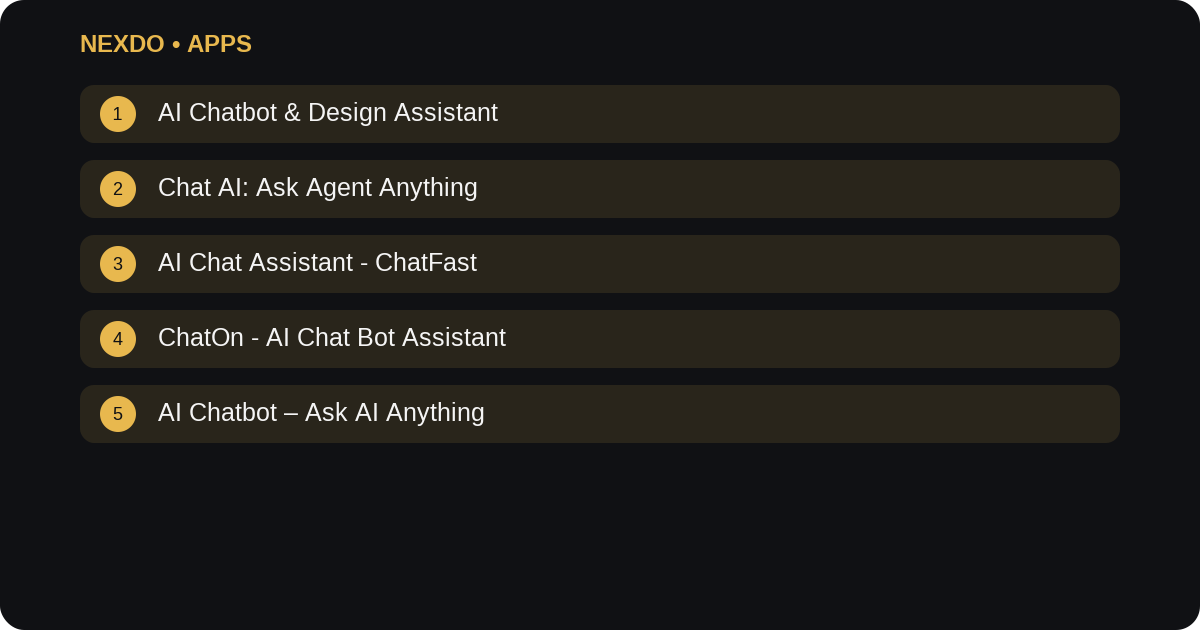
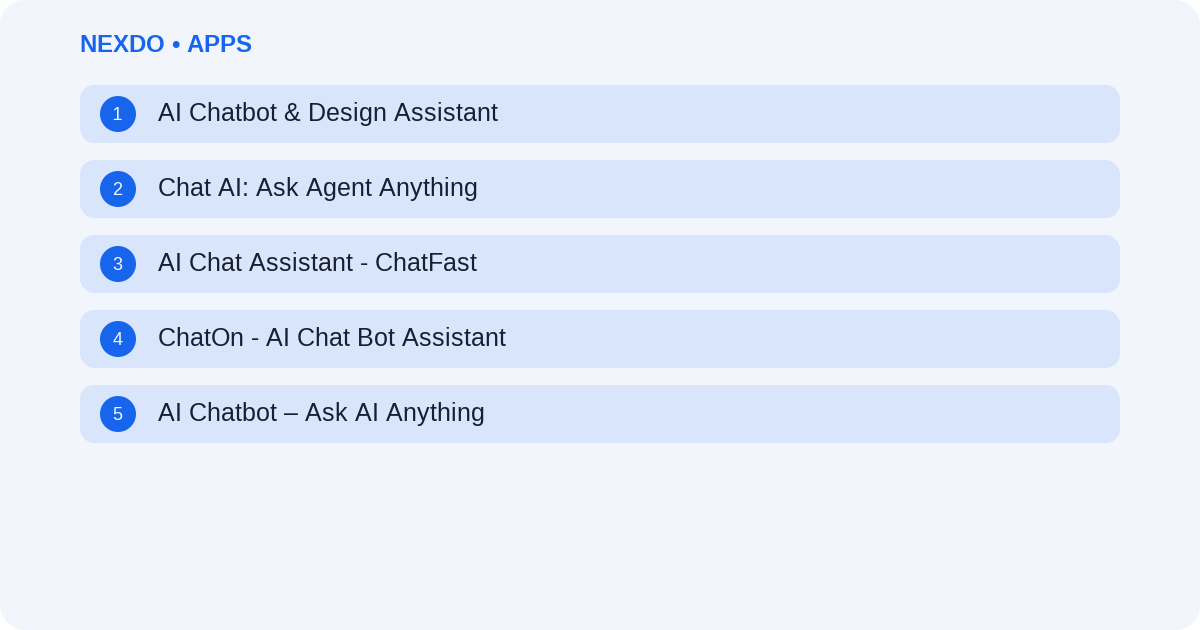
- AI Chatbot & Design Assistant — iOS / iPadOS
- Chat AI: Ask Agent Anything — iOS / iPadOS
- AI Chat Assistant - ChatFast — iOS / iPadOS
- ChatOn - AI Chat Bot Assistant — iOS / iPadOS
- AI Chatbot – Ask AI Anything — iOS / iPadOS
Sources and verification
Choosing the right AI assistant depends on your need for model variety versus specialized performance. By evaluating these tools based on their model support and workflow features, you can optimize your mobile productivity effectively.