Integrating Specialized MCP Servers for Enhanced AI Agent Capabilities
As AI agents become more deeply integrated into professional workflows, the Model Context Protocol (MCP) has emerged as a vital standard for connecting LLMs to local tools and data. This editorial examines four distinct MCP-compatible tools—next-ai-draw-io, omniget, mcp-for-blender, and editor—to help you determine which server best fits your specific automation requirements. By leveraging the official python-sdk, these tools demonstrate how specialized environments can be bridged to AI agents, enabling complex tasks that go beyond simple text generation.
Visualizing Concepts with next-ai-draw-io
The next-ai-draw-io tool provides a unique approach to diagramming by allowing users to generate and edit draw.io files through natural language interaction. By functioning as an MCP server for platforms like Claude Code, Cursor, and VS Code, it bridges the gap between abstract AI reasoning and concrete visual representation. This is particularly useful for architects and developers who need to document system flows or logic structures on the fly. Unlike general-purpose tools, its focus on the draw.io ecosystem ensures that the output remains compatible with standard industry diagramming software, making it a highly practical choice for teams that rely on visual documentation.
Managing Local Data and Media with omniget
For users who require their AI agents to interact with local files, browser data, and media downloads, omniget offers a comprehensive solution. It functions as a local MCP server that grants agents access to your computer's logged-in accounts, feeds, and file system. Because it operates locally on Windows, macOS, and Linux, it prioritizes data privacy by keeping sensitive information on your machine. This tool is ideal for power users who want to automate the retrieval of courses, music, or video content without relying on third-party cloud services, effectively turning your local environment into a powerful, agent-accessible resource.
Extending 3D Design Capabilities
Both mcp-for-blender and the editor tool represent the frontier of AI-assisted 3D design and architecture. The mcp-for-blender plugin allows users to control Blender 3D using any LLM, providing a bridge for procedural modeling and scene automation. Meanwhile, the editor tool is designed for AECO and scan-to-BIM workflows, offering a browser-first, agent-friendly environment. While mcp-for-blender is tailored for creative and artistic 3D manipulation, the editor tool is built for professional architecture and construction data. Choosing between them depends on whether your project requires artistic flexibility or the rigorous standards of BIM and scan-to-BIM integration.
Foundational Infrastructure with python-sdk
At the core of these implementations lies the official python-sdk for the Model Context Protocol. This library is the essential foundation for developers looking to build or integrate their own MCP servers. By providing a standardized way to communicate between clients and servers, it ensures that tools like next-ai-draw-io and omniget can function reliably across different AI platforms. If you are planning to build custom agents, starting with this SDK is the most robust path forward. It provides the necessary abstractions to handle complex protocol requirements, ensuring your custom tools remain compatible with the broader MCP ecosystem as it continues to evolve.
Selection Methodology and Trade-offs
Selecting the right MCP server requires balancing your specific functional needs against the complexity of the integration. My selection method focused on identifying tools that solve distinct, real-world problems—visualizing, data management, 3D design, and architectural modeling. When comparing these, consider the trade-offs: omniget offers broad access to local data but requires careful management of permissions, while next-ai-draw-io is highly specialized for documentation. For 3D tasks, the choice between mcp-for-blender and editor is determined by your industry requirements. Always ensure your chosen tools are compatible with your specific AI agent platform, such as Cursor or Claude Code, before proceeding with a full implementation.
Tools compared
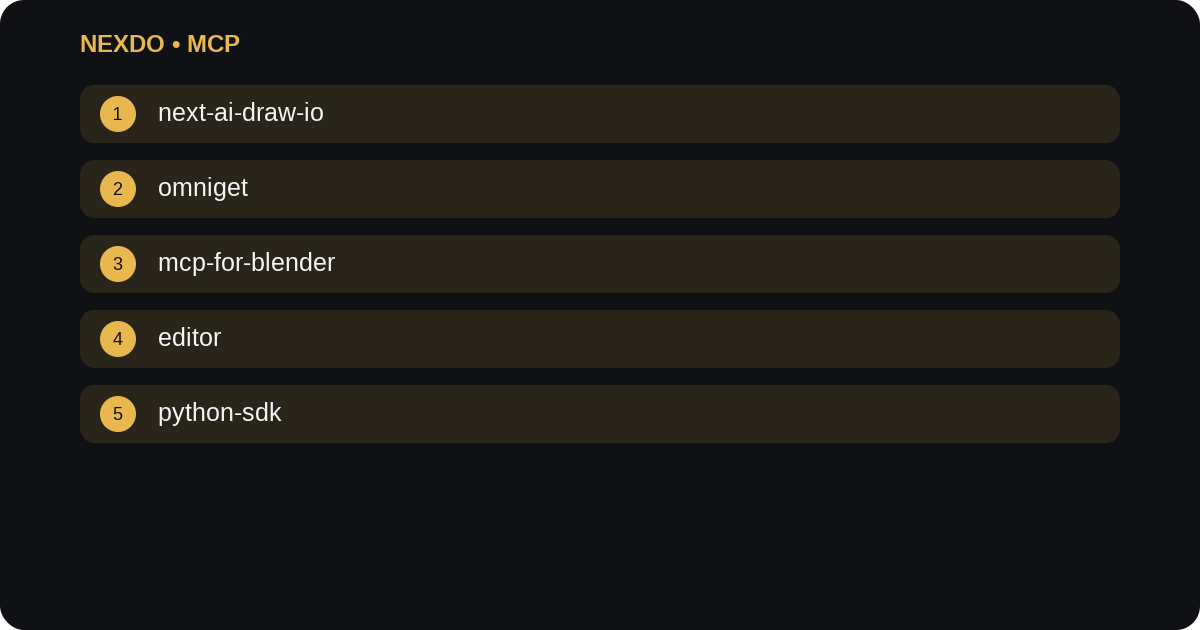
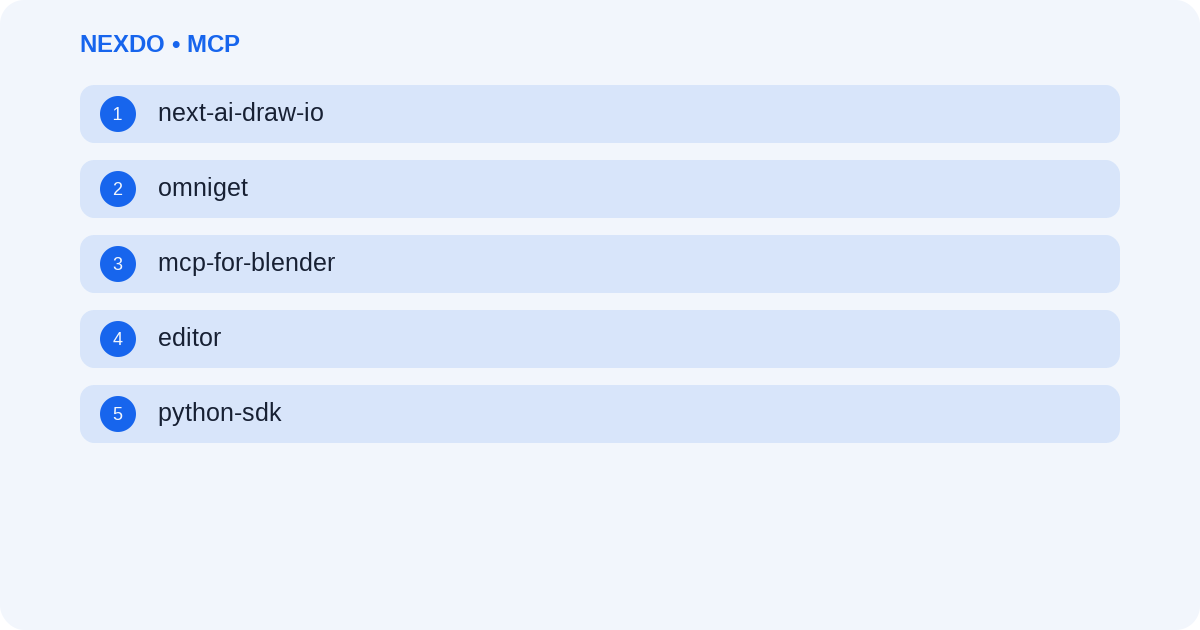
- next-ai-draw-io — MCP / see setup
- omniget — MCP / see setup
- mcp-for-blender — MCP / see setup
- editor — MCP / see setup
- python-sdk — MCP / see setup
Sources and verification
By integrating these specialized MCP servers, you can significantly expand the utility of your AI agents. Whether you are automating 3D architecture with editor, managing local media with omniget, or visualizing logic with next-ai-draw-io, the Model Context Protocol provides the necessary bridge to make these workflows seamless and efficient.