Essential Browser and Platform Extensions for Secure and Productive Workflows


Navigating the digital landscape requires a curated set of tools that balance security, functionality, and performance. Whether you are managing a WordPress site, protecting your privacy, or facilitating multilingual communication, selecting the right extensions is critical. This editorial examines five distinct tools—Site Kit by Google, Adblock Plus, 1Password, WooCommerce, and Sokuji—to help you determine which solutions best fit your specific operational needs and platform requirements.
Managing Web Presence with Site Kit and WooCommerce
For users operating within the WordPress ecosystem, Site Kit by Google and WooCommerce serve as foundational pillars. Site Kit acts as a comprehensive dashboard, integrating Google Analytics, Search Console, and AdSense directly into your WordPress admin panel, which simplifies data monitoring and performance tracking. Conversely, WooCommerce is a robust e-commerce engine designed to scale from a small shop to a high-revenue store. While Site Kit focuses on visibility and analytics, WooCommerce provides the infrastructure for transactions. Choosing between them depends on whether your primary goal is site optimization or product sales, though both are often used in tandem to build a professional online presence.
Enhancing Privacy and Security with 1Password and Adblock Plus
Security and browsing comfort are paramount in modern web usage. 1Password serves as a critical vault for credentials, credit card details, and secure notes, ensuring that your sensitive information remains encrypted and easily accessible via your browser. Adblock Plus complements this by filtering out intrusive advertisements, which not only improves page load times but also reduces exposure to potentially malicious ad networks. While 1Password protects your identity, Adblock Plus protects your browsing experience. Both tools are essential for users who prioritize a clean, secure, and efficient digital environment, particularly when navigating complex or ad-heavy websites.
Real-Time Communication with Sokuji
Sokuji introduces a specialized capability for users who frequently engage in bilingual meetings. Unlike the other tools in this selection, which focus on site management or personal security, Sokuji provides real-time, two-way speech translation. It is compatible with major video conferencing platforms like Zoom, Meet, and Teams, and functions across desktop environments including Windows, macOS, and Linux. By offering both cloud-based and fully offline on-device translation, it addresses the need for privacy and accessibility in global communication. It is a highly specific tool that bridges the gap between language barriers in professional settings.
Compatibility and Platform Integration
Understanding the platform requirements for these tools is essential for a seamless setup. Site Kit and WooCommerce are exclusive to the WordPress ecosystem, requiring a self-hosted or managed WordPress environment to function. In contrast, 1Password and Adblock Plus are browser-centric, primarily targeting Firefox users to enhance the native browsing experience. Sokuji offers the most versatility, functioning as a desktop application with browser extension support for Chrome and Edge. When selecting these tools, you must verify that your current browser or CMS supports the specific integration, as cross-platform compatibility varies significantly between these five solutions.
Selection Methodology and Trade-offs
Our selection process focused on identifying tools that solve distinct, high-impact problems: site management, security, and communication. We evaluated these tools based on their specific utility rather than popularity. The trade-off often involves resource usage; for instance, running multiple browser extensions like 1Password and Adblock Plus can impact memory consumption. Similarly, integrating heavy plugins like WooCommerce requires careful server management. We recommend prioritizing tools that address your most frequent pain points. If you are a site owner, start with Site Kit; if you are a remote worker, prioritize Sokuji and 1Password to ensure both your communication and data remain secure.
Tools compared
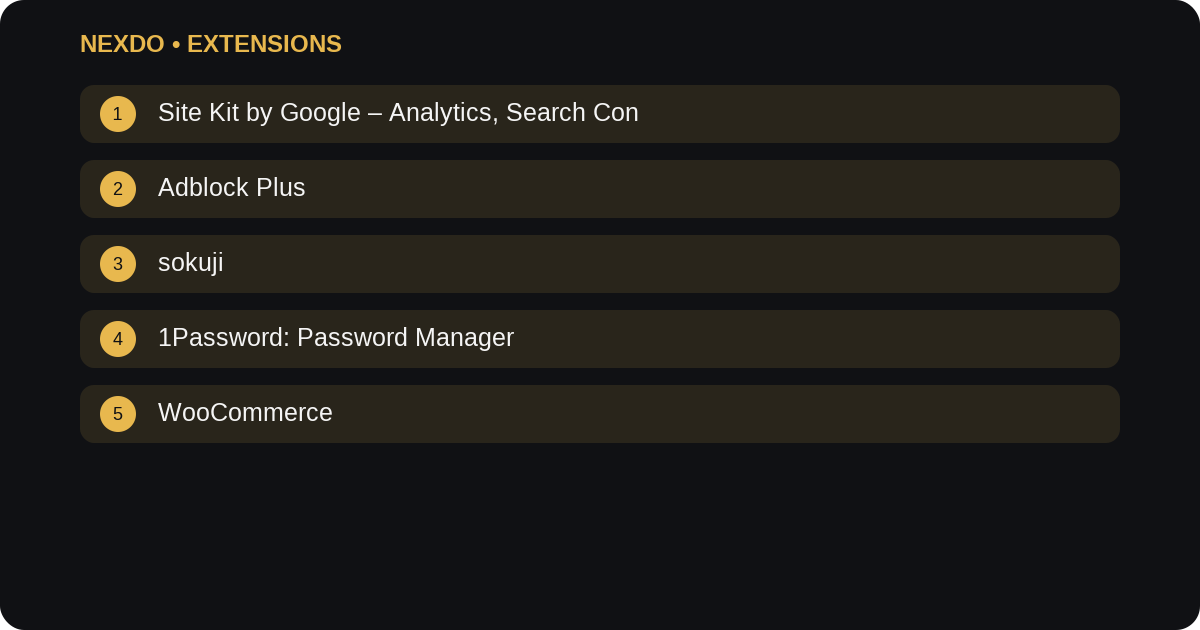
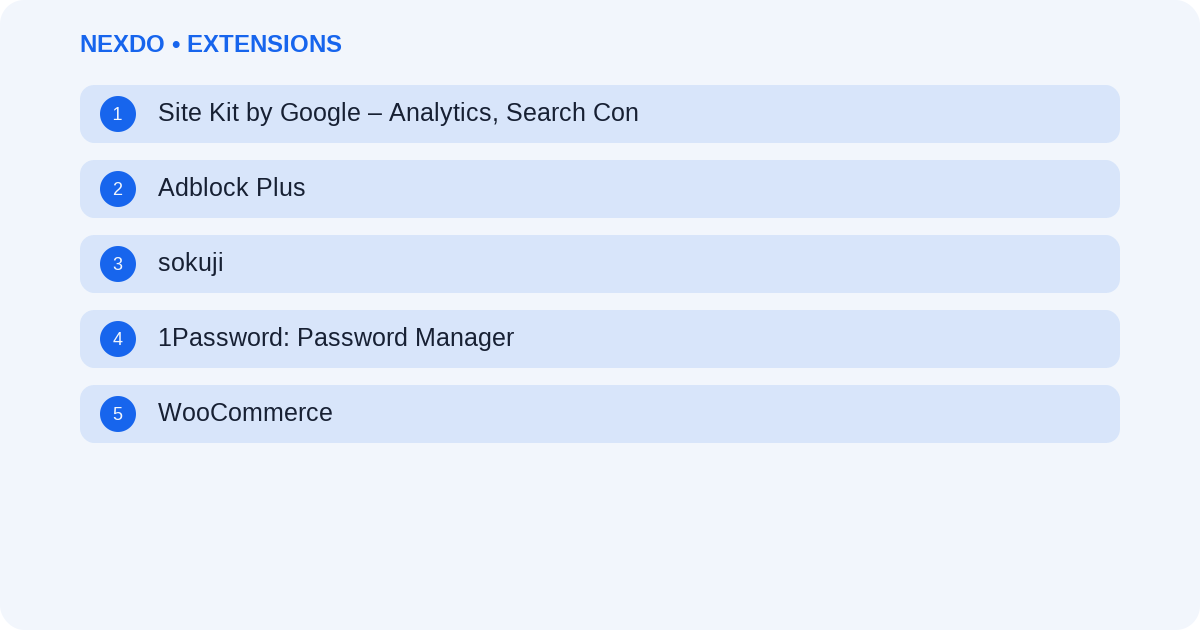
- Site Kit by Google – Analytics, Search Console, AdSense, Speed — WordPress
- Adblock Plus — Firefox
- sokuji — Browser / see compatibility
- 1Password: Password Manager — Firefox
- WooCommerce — WordPress
Sources and verification
By carefully selecting tools like Site Kit, WooCommerce, 1Password, Adblock Plus, and Sokuji, you can create a highly efficient and secure digital workspace tailored to your specific professional or personal requirements.