Optimizing AI Agent Workflows with Specialized Automation Tools


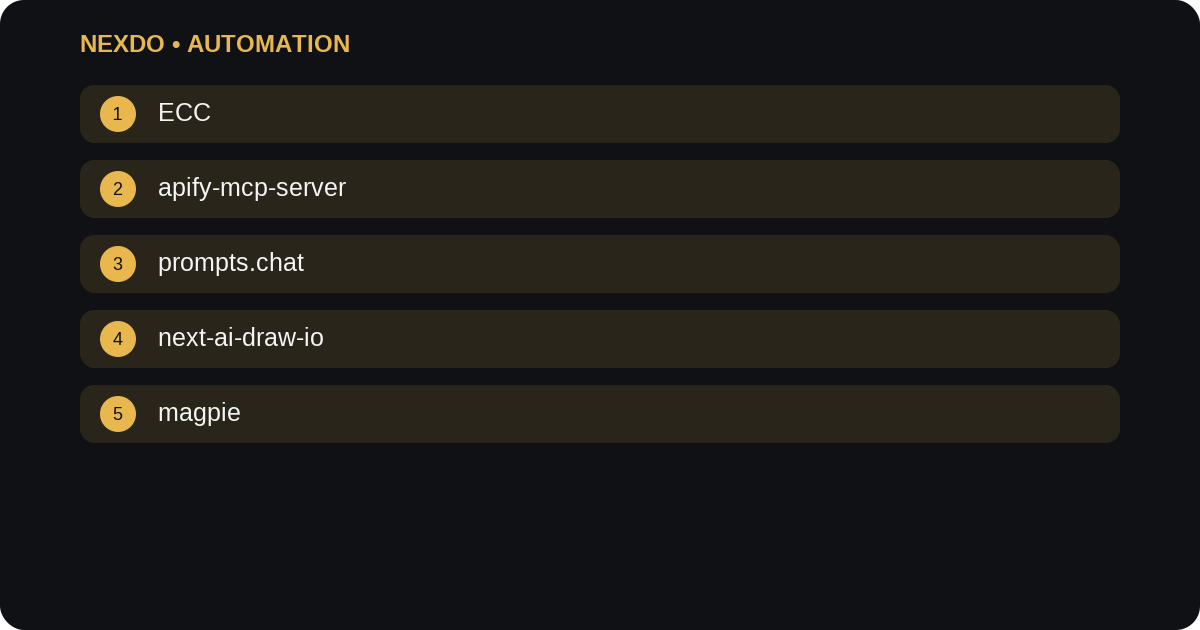
As AI agent ecosystems evolve, selecting the right tools for performance, data extraction, and resource management becomes critical. This editorial examines five distinct solutions—ECC, apify-mcp-server, prompts.chat, next-ai-draw-io, and magpie—to help you build a more robust automation pipeline.
Performance and Resource Management
When managing complex AI agent environments, performance optimization is paramount. ECC serves as an agent harness system designed specifically for performance optimization, offering skills, instincts, and memory management. It is compatible with major platforms like Claude Code, Codex, Opencode, and Cursor. By focusing on research-first development and security, ECC provides a foundational layer for developers who need to ensure their agents operate efficiently without sacrificing stability. It acts as a central hub for maintaining agent integrity across diverse coding environments.
Data Extraction and Web Automation
For agents requiring real-time data, the apify-mcp-server is an essential integration. It enables AI agents to extract information from social media, search engines, maps, and e-commerce sites by leveraging the vast library of scrapers and crawlers available on the Apify Store. Unlike general-purpose tools, this MCP server bridges the gap between raw web data and agent intelligence. It is particularly useful for automation tasks that depend on external web inputs, allowing your agents to interact with the live internet seamlessly and reliably.
Prompt Engineering and Knowledge Sharing
Effective automation often begins with high-quality instructions. prompts.chat, formerly known as Awesome ChatGPT Prompts, provides a community-driven repository for sharing and collecting prompts. Because it is free and open source, organizations can self-host the platform to ensure complete privacy for their internal prompt libraries. This tool is invaluable for teams looking to standardize their agent interactions and maintain a consistent knowledge base, ensuring that every agent deployment benefits from refined, community-tested prompt engineering strategies.
Visualizing Workflows and Diagrams
Visual communication is a core component of technical documentation and workflow design. next-ai-draw-io allows users to create and edit draw.io diagrams through natural language interaction. With support for web, desktop, and MCP server integration for platforms like Claude Code and Cursor, it bridges the gap between abstract AI planning and concrete visual representation. This tool is ideal for developers who need to document their agent logic or system architectures quickly without manually navigating complex diagramming interfaces.
Resource Pooling and Cost Efficiency
Managing multiple AI subscriptions can be cumbersome and inefficient. magpie addresses this by allowing users to pool various plans—including Claude, ChatGPT, Copilot, GLM, and Kimi—into a single interface. It enables these services to be used across different agents like Claude Code or Codex. If one service reaches its limit, magpie automatically transitions to the next available resource. This ensures continuous operation for your automation tasks, preventing downtime and maximizing the utility of your existing AI investments.
Tools compared
- ECC — Project / see requirements
- apify-mcp-server — MCP / see setup
- prompts.chat — Project / see requirements
- next-ai-draw-io — MCP / see setup
- magpie — Project / see requirements
Sources and verification
By combining these tools—ECC for performance, apify-mcp-server for data, prompts.chat for knowledge, next-ai-draw-io for visualization, and magpie for resource management—you can build a highly efficient and resilient AI agent infrastructure.