Optimizing Your Browser Workflow with Essential Extensions


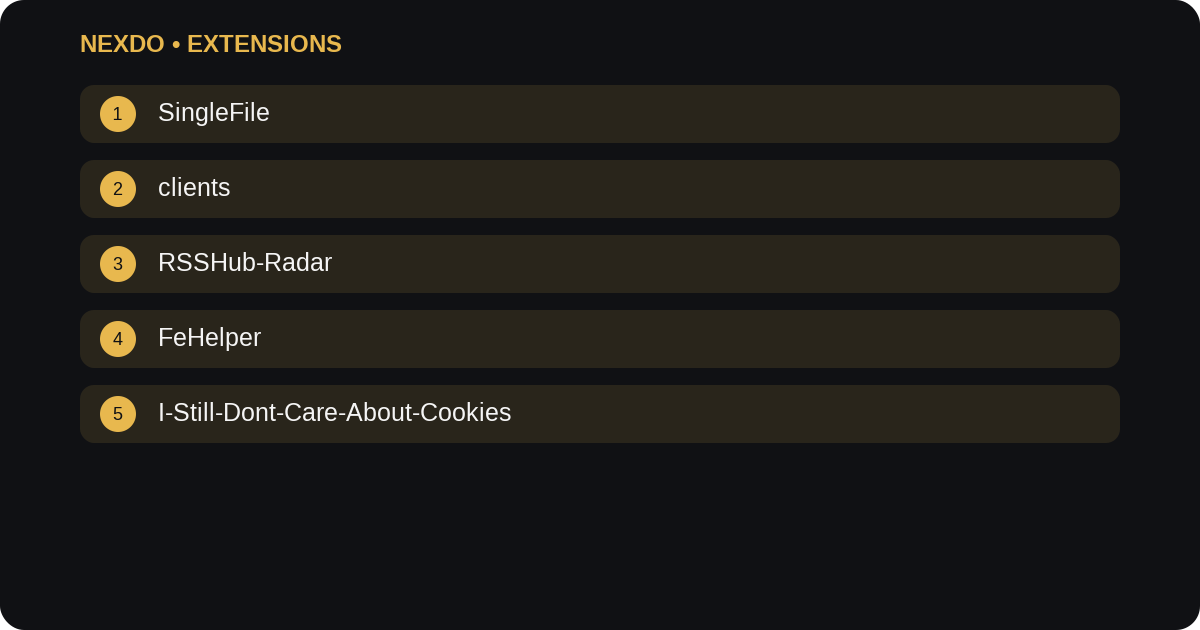
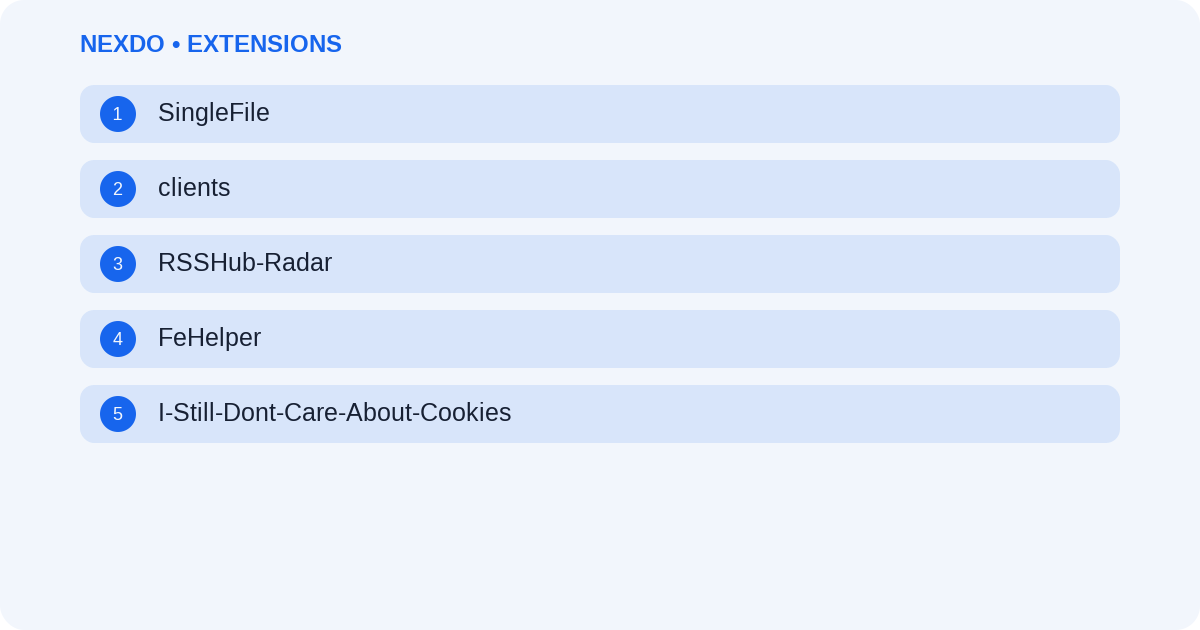
Managing a browser environment effectively requires the right set of tools to streamline daily tasks. This comparison examines five distinct extensions—SingleFile, clients, RSSHub-Radar, FeHelper, and I-Still-Dont-Care-About-Cookies—to help you determine which utilities best fit your specific digital workflow.
Archiving and Content Preservation
When you need to save a web page for offline reading or future reference, SingleFile offers a robust solution. Unlike standard bookmarking, it creates a faithful copy of a complete web page in a single HTML file. This is particularly useful for researchers or professionals who need to ensure that the content they view today remains accessible regardless of future site changes. By consolidating all assets into one file, it simplifies storage and organization compared to traditional methods that often break page layouts.
Security and Privacy Management
Security is a foundational aspect of browser usage, and the Bitwarden clients extension provides a critical layer of protection. By integrating password management directly into your browser, it ensures that credentials are handled securely across various platforms. Complementing this, I-Still-Dont-Care-About-Cookies serves a different privacy need by acting as a debloated fork that manages cookie consent banners. Together, these tools address the dual requirements of robust credential management and the reduction of repetitive web interruptions.
Content Discovery and RSS Integration
Staying updated with your favorite websites is simplified through RSSHub-Radar. This extension is designed to help users identify and subscribe to RSS feeds and RSSHub sources effortlessly. For those who prefer a curated feed over algorithmic social media, this tool acts as a bridge between the vast web and your preferred feed reader. It removes the friction of hunting for hidden feed links, making it an essential utility for users who prioritize direct content consumption and information gathering.
Development and Technical Utility
For web developers and technical users, FeHelper serves as an all-in-one toolbox that supports Chrome, Firefox, and MS-Edge. It consolidates various front-end development tasks into a single interface, reducing the need for multiple disparate extensions. Whether you are debugging, formatting code, or performing quick technical checks, FeHelper provides a centralized environment. This approach is highly efficient for professionals who need to maintain a clean browser profile without sacrificing the specialized functionality required for daily development work.
Selection Methodology and Compatibility
Our selection method focuses on identifying tools that solve specific, non-overlapping problems within the browser ecosystem. We evaluated these extensions based on their primary function and their ability to integrate into a standard browser workflow. Compatibility varies by extension, so users should verify specific browser support before installation. By categorizing these tools into archiving, security, discovery, and development, we provide a structured way to build a balanced browser setup that enhances productivity without unnecessary bloat.
Tools compared
- SingleFile — Browser / see compatibility
- clients — Browser / see compatibility
- RSSHub-Radar — Browser / see compatibility
- FeHelper — Browser / see compatibility
- I-Still-Dont-Care-About-Cookies — Browser / see compatibility
Sources and verification
By selecting tools like SingleFile for archiving, Bitwarden for security, RSSHub-Radar for discovery, and FeHelper for development, you can create a highly efficient browser environment tailored to your specific needs.